

Essential Elements Every Landing Page Needs
Break down the key components that make landing pages work. We cover headlines, value propositions, forms, and call-to-action elements that drive conversions.
Read ArticleMost of your traffic comes from mobile now. Discover how to design landing pages that work beautifully on phones and tablets without sacrificing conversions.
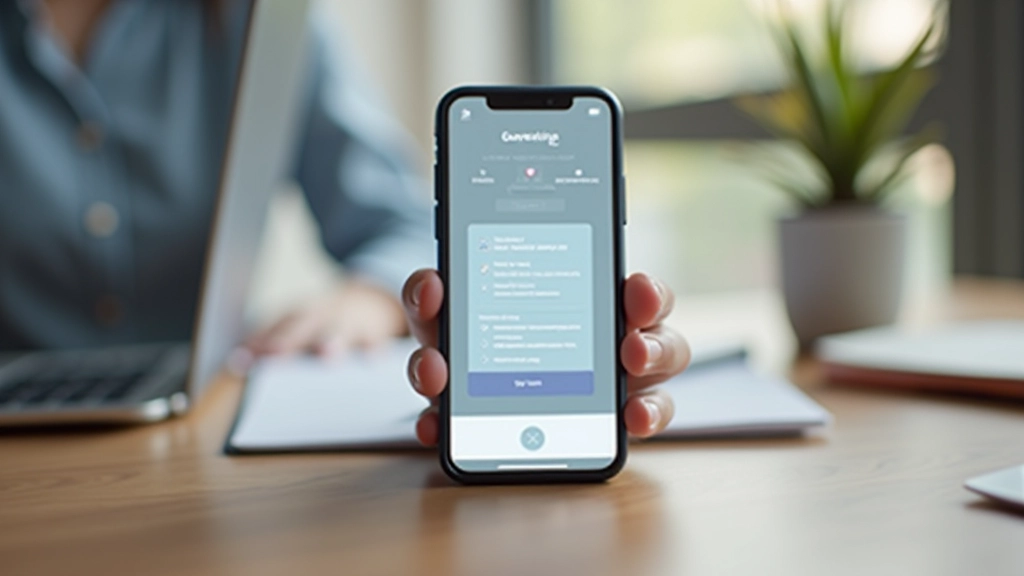
Here’s what we’re seeing across the board: mobile traffic now accounts for over 60% of all landing page visits. That number keeps climbing. Yet most landing pages? They’re still designed for desktop first, then squeezed down for phones. That’s backwards.
When you design mobile-first, something shifts. You’re forced to prioritize. Every element has to earn its place because space is limited. Forms get simpler. Headlines become punchier. And conversion rates? They tend to improve — sometimes dramatically.
The real benefit isn’t just about screen size. It’s about how people interact with content on their phones. They’re scrolling quickly, often one-handed, with less patience for friction. A mobile-first approach acknowledges this behavior and designs around it.

Mobile-first design doesn’t mean stripping everything away. It means being intentional. On a 375-pixel screen, you’re working with roughly 300 pixels of actual content space after accounting for margins and padding.
That constraint forces clarity. You can’t hide important information in secondary menus. You can’t rely on hover states that don’t exist on touch devices. Everything has to be direct and obvious. This actually improves the entire experience — desktop users benefit from the same clarity.
Start by asking: What’s the one thing we want visitors to do? A single, clear call-to-action. Then build everything around that. On mobile, you might have just a headline, a supporting line of text, one image, and the CTA button. Nothing else. When you move to tablet and desktop, you add supporting elements — testimonials, feature lists, comparison charts.
The psychology works too. People on mobile are often making quick decisions. They’re in transition — between meetings, waiting in line, commuting. A clean, focused page respects their context.

Building mobile-first means your CSS starts with mobile styles, then uses media queries to enhance for larger screens. Not the other way around. It’s a subtle shift, but it changes everything about how you approach the code.
Here’s what that looks like in practice: Your base CSS targets mobile — single column, touch-friendly button sizes (48px minimum), readable font sizes (16px minimum for body text), and generous spacing. Then at 768px, you might introduce a two-column layout. At 1024px, you might add more sophisticated typography and larger images.
The key technical elements to prioritize: viewport meta tag set correctly (you’ve got this if you’re building modern pages), touch-friendly interactions, readable contrast ratios that work in sunlight, and fast image loading with responsive image sizes. A mobile user on a 4G connection shouldn’t wait 5 seconds for your hero image to load.
Don’t forget about form inputs. On mobile, they’re frustrating. Use appropriate input types (email, tel, number) so browsers show the right keyboard. Avoid dropdown menus if possible — they’re clunky on touch. Keep forms short. One field per section if you can manage it. People won’t fill out a 10-field form on their phone.

Mobile-first design directly impacts your lead generation because it removes friction at every step. Here’s what converts better:
One tactical note: phone number links work better than contact forms on mobile. If someone’s on their phone, they’re more likely to call than fill a form. Make the phone number a clickable link so they can tap to call directly.

Mobile-first isn’t a trend that’s going away. It’s the baseline expectation now. The sites that treat mobile as an afterthought are losing leads to competitors who don’t. The good news? You don’t need to redesign everything overnight. Start with your highest-traffic pages. Test changes. Measure results. Iterate.
When you design for mobile first, you’re designing for the constraint. And constraints force better thinking. Simpler pages. Clearer messaging. More intentional layouts. These improvements help everyone — whether they’re viewing on a phone, tablet, or desktop.
“The best interface is often the one that gets out of the way. Mobile-first design forces you to eliminate everything that doesn’t matter.”
Start by auditing your current mobile experience. How do your pages look on a real phone? Are forms easy to fill? Do buttons work on touch? These insights will guide your next improvements.
Learn More About Our Services


This article provides educational information about mobile-first design principles and landing page optimization. The strategies and recommendations discussed are based on general best practices and industry standards. Results vary depending on your specific audience, industry, product, and implementation. These guidelines are not guaranteed to increase conversions for your particular business — every situation is unique. We recommend testing approaches on your own pages and monitoring your specific metrics (conversion rate, bounce rate, time on page) to determine what works for your audience. Consider consulting with a professional web designer or conversion optimization specialist for personalized recommendations.