
Essential Elements Every Landing Page Needs
Break down the key components that make landing pages work. We cover headlines, value propositions, social proof, and CTAs — the building blocks of every high-converting page.
Read ArticleYou don’t need to use every tool out there. We break down the essentials — heatmaps, analytics, form trackers — and show which ones actually improve results.

When you’re trying to improve your landing page performance, it’s easy to get overwhelmed. There are hundreds of tools promising to solve every problem. But here’s the thing — you don’t need most of them.
What you really need is a focused toolkit that answers specific questions about how visitors interact with your page. That’s what we’re covering today. We’ve tested dozens of tools and narrowed it down to the ones that actually deliver results. The ones that help you understand what’s working, what’s broken, and where your conversions are slipping away.
The best part? Many of these tools work together. They tell different stories about the same data. And when you know how to read those stories, you’ll make smarter decisions about what to change next.

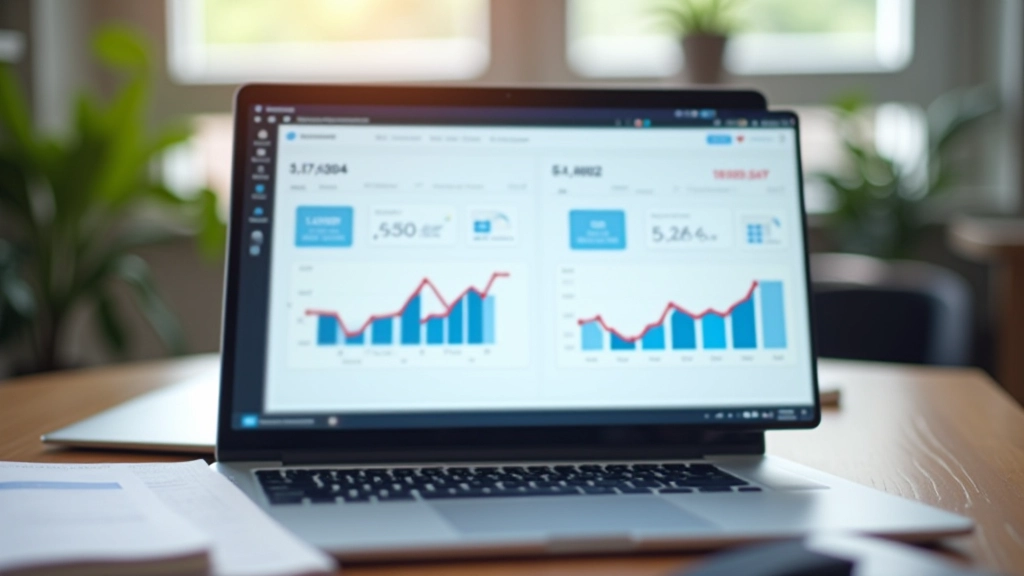
Google Analytics is where most people start, and honestly, it’s still the right choice. It’s free, it’s powerful, and it tells you the basics everyone needs to know. Traffic sources, bounce rates, conversion funnels — all there.
But here’s what people miss: Google Analytics 4 is completely different from the old Universal Analytics. The event-based tracking system means you’ll need to set it up properly to actually see what’s happening. Most landing pages get the default setup and never dig deeper. That’s a waste.
What you’re actually looking for in analytics is clarity about the funnel. Which step loses the most people? Is it the initial page load? The form page? The checkout confirmation? Once you know where the leak is, you can fix it. We typically see 30-40% of visitors dropping off at specific points — finding those points is half the battle.
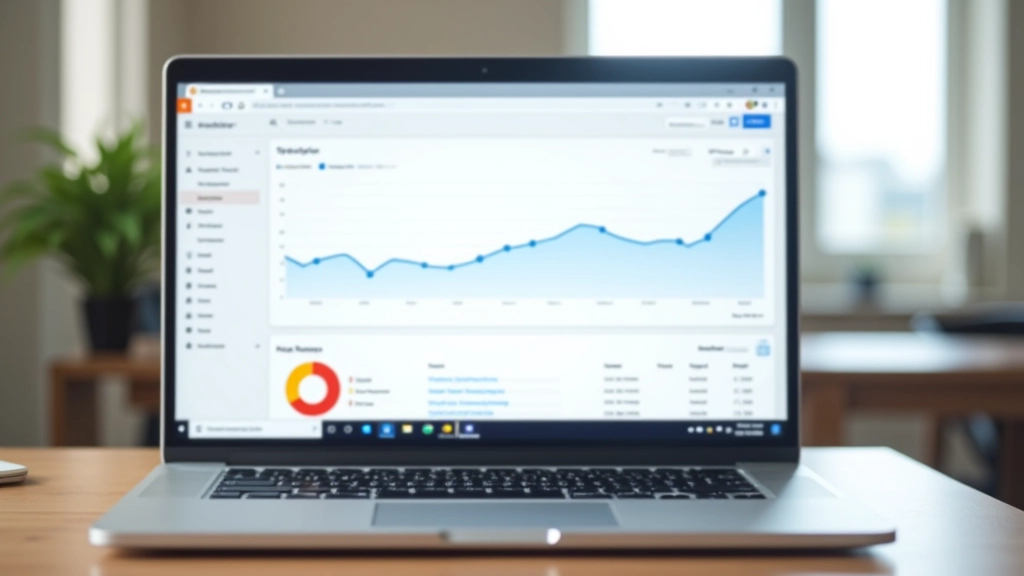

Analytics tells you what happened. Heatmaps show you how it happened. These tools record where visitors click, how far they scroll, and where they pause. You’ll see patterns you’d never catch otherwise.
The most common discovery? People don’t scroll as far as you think. You’ve got a killer offer at the bottom of your page? Most visitors never see it. They bounce at the fold. That’s why moving your strongest message higher matters so much.
Tools like Hotjar and Microsoft Clarity both work well. Hotjar is more polished and has better session recordings. Clarity is free and integrates with Microsoft products. Either way, you’re getting visibility into actual behavior. We’ve seen heatmaps reveal that 60% of visitors click on images that aren’t actually clickable — immediate design fix opportunity.
Here’s something that’ll surprise you: form abandonment is usually your biggest leak. Someone’s interested enough to click. They scroll down. They find your form. And then 50-70% of them leave without submitting. Why? Because something about the form is wrong.
Form tracking tools like Formisimo, Gravity Forms analytics, or Unbounce’s built-in form tracking show you exactly where people drop off. Too many fields? People bail. Unclear labels? They leave. Slow load time on form submission? They’re gone.
The metric that matters most is completion rate by field. If 90% of people fill the first three fields but only 20% complete the email field, you’ve got a problem. Maybe the email validation is too strict. Maybe the field label is confusing. The data shows you where to investigate.
We typically recommend starting with fewer fields. A three-field form converts 2-3x better than a ten-field form, even when you need all that information eventually. Collect the essentials first, then follow up later. It’s a harder sell internally, but the numbers are undeniable.

Don’t overwhelm yourself. Start with these five categories. Master them before adding more.
Google Analytics 4 or Plausible. Tracks traffic, conversions, and user behavior. Essential for understanding where people come from and what they do.
GA4 is free. Plausible starts at $9/month.
Hotjar or Microsoft Clarity. Shows you exactly where visitors click, scroll, and get stuck. Watch actual user sessions to see behavior patterns.
Clarity is free. Hotjar starts at $99/month.
Formisimo, HubSpot, or Unbounce. Tracks field-by-field completion, abandonment points, and form performance metrics. Identifies exactly where visitors drop off.
HubSpot free tier available. Others start $49-99/month.
Unbounce, Optimizely, or ConvertKit. Runs split tests to compare different page variations and measure impact on conversions statistically.
Varies widely. Unbounce from $99/month. Optimizely enterprise pricing.
HubSpot, Pipedrive, or Salesforce. Tracks what happens after conversion. Connects leads to revenue, showing which traffic sources and pages generate actual customers.
HubSpot free. Others from $14-100+/month.
Google Tag Manager. Lets you add tracking codes and pixels without editing code. Connects all your tools together and simplifies implementation.
Free.
Not all metrics are created equal. These are the ones that drive decisions.
The percentage of visitors who complete your goal. This is your north star. A 2% conversion rate is solid for most landing pages. Anything above 3% is excellent. You’re looking to improve this by 10-20% through testing and optimization.
How much you’re spending per actual conversion. If you’re spending $1,000 on ads and getting 10 conversions, that’s $100 per conversion. Improving your conversion rate directly lowers this number. A 50% improvement in conversion rate cuts your CPC in half.
Not all bounces are bad, but high bounce rates on paid traffic are expensive. If you’re paying for clicks and 80% of people leave immediately, something’s wrong with your page-to-ad match. Track bounce rate by source to identify mismatch issues.
The percentage of people who start your form and finish it. If 100 people see your form and 30 submit it, that’s a 30% completion rate. Industry average is around 20-25%. Every percentage point improvement here is a direct revenue increase.
How long visitors spend on your landing page. Longer doesn’t always mean better, but it shows engagement. If average time is 15 seconds and most people convert in 30+ seconds, you’re losing people who are actually interested. Improve clarity to get them to convert faster.
Revenue generated divided by ad spend. This is the metric that matters to your business. If you spend $1,000 and make $5,000 in revenue, that’s 5x ROAS. Track this monthly to see if your optimization efforts are actually moving the needle on business results.
Don’t try to implement everything at once. You’ll get overwhelmed and won’t use any of it properly. Instead, follow this sequence.
Install Google Analytics 4 or Plausible. Configure conversion tracking for your primary goal. Set up UTM parameters on all your marketing links. Don’t move forward until this is working properly — everything else depends on clean data.
Install Hotjar or Clarity. Let it collect 200-300 sessions. Review heatmaps and session recordings. You’ll immediately spot design issues and user behavior patterns you missed. This is where most insights come from.
Set up form analytics. Watch people fill out your form. Find where they drop off. Make one significant change — reduce fields, clarify labels, fix validation. Measure the impact on completion rate.
Set up A/B testing. Start with something simple — headline, button color, or CTA text. Run the test for at least 100 conversions in each variation. Let the data guide your next changes, not your gut.
After this, you’ve got a foundation. You understand your visitor behavior. You know where you’re losing people. You’ve proven you can test and improve. That’s when you can add more sophisticated tools or scale what’s working.
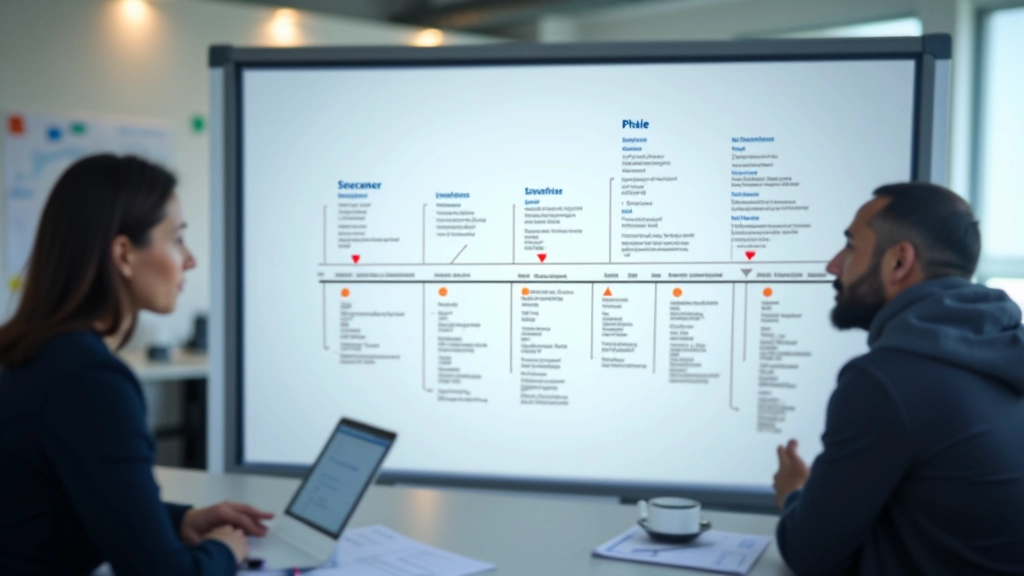
You don’t need every tool. You need the right tools used properly. Analytics shows you what happened. Heatmaps show you how it happened. Form tracking shows you where people get stuck. Together, they tell you exactly what to fix.
Most landing pages improve by 20-40% just by implementing these basics well. The companies that get 100%+ improvements are usually doing two things: they’re measuring everything, and they’re testing relentlessly.
Pick your tools. Set them up properly. Let them collect data for 2-4 weeks. Then start making informed changes based on what the data tells you. That’s how you build a conversion machine. That’s how you move from guessing to knowing.
Ready to see what your visitors are actually doing? Start with heatmaps and form analytics. The insights will surprise you.
Explore A/B Testing NextThis article provides educational information about conversion optimization tools and methodologies. The specific metrics, timelines, and improvement percentages mentioned are based on general industry observations and may vary significantly depending on your industry, audience, and current performance baseline. We don’t make guarantees about results. The tools and metrics discussed are current as of February 2026, but features and pricing change regularly. Always consult your analytics data and test changes before implementing them broadly. Different businesses have different conversion optimization needs — what works for one may not work for another.